Skip to content
Skip product tour

Your mind wasn’t made to remember everything.

  1. Meet Stay

    Say it.
    Stay remembers.

    Speak it and Stay organizes it into notes, reminders, subscriptions, and installments.

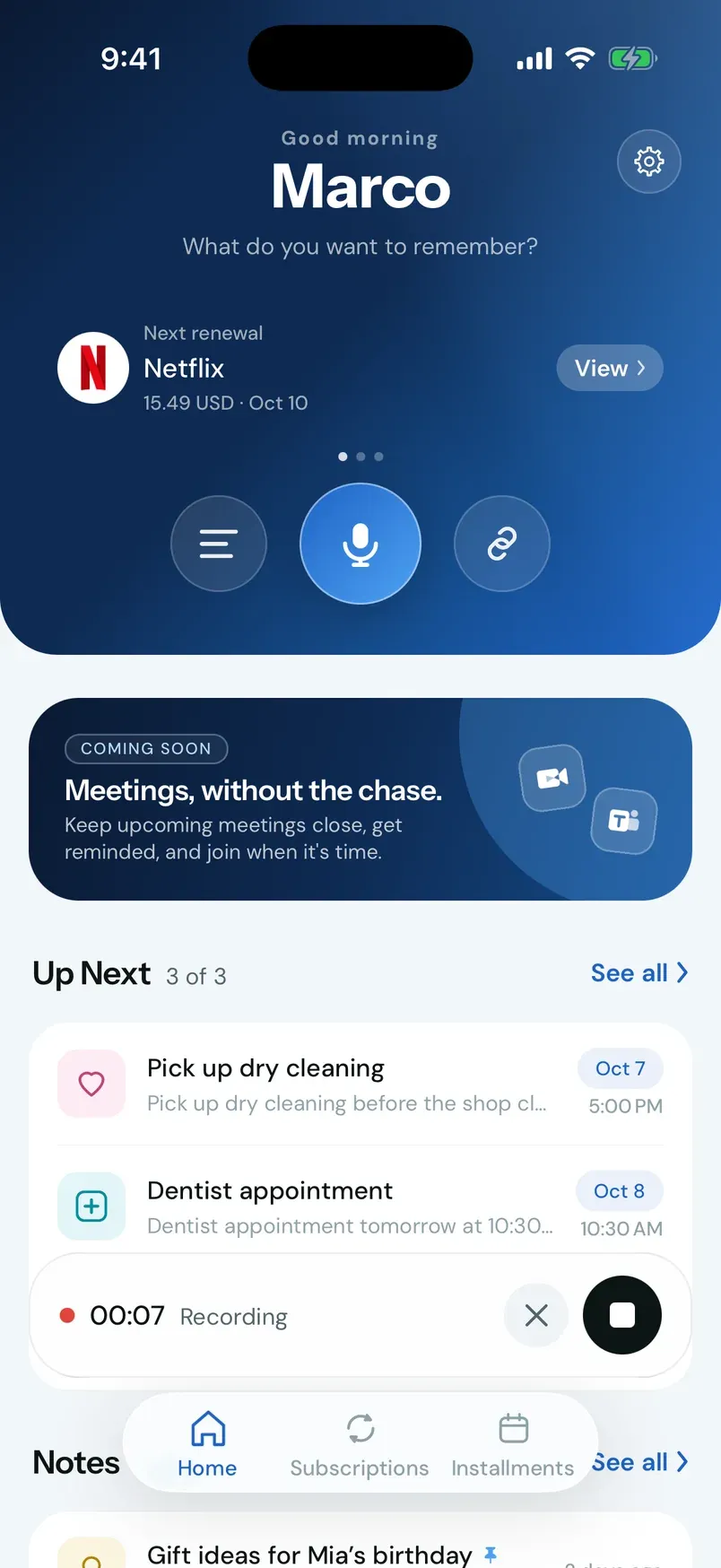
  2. Stay on Home recording a voice capture, with a timer, a cancel button, and a stop button.

    Capture

    Just speak
    naturally.

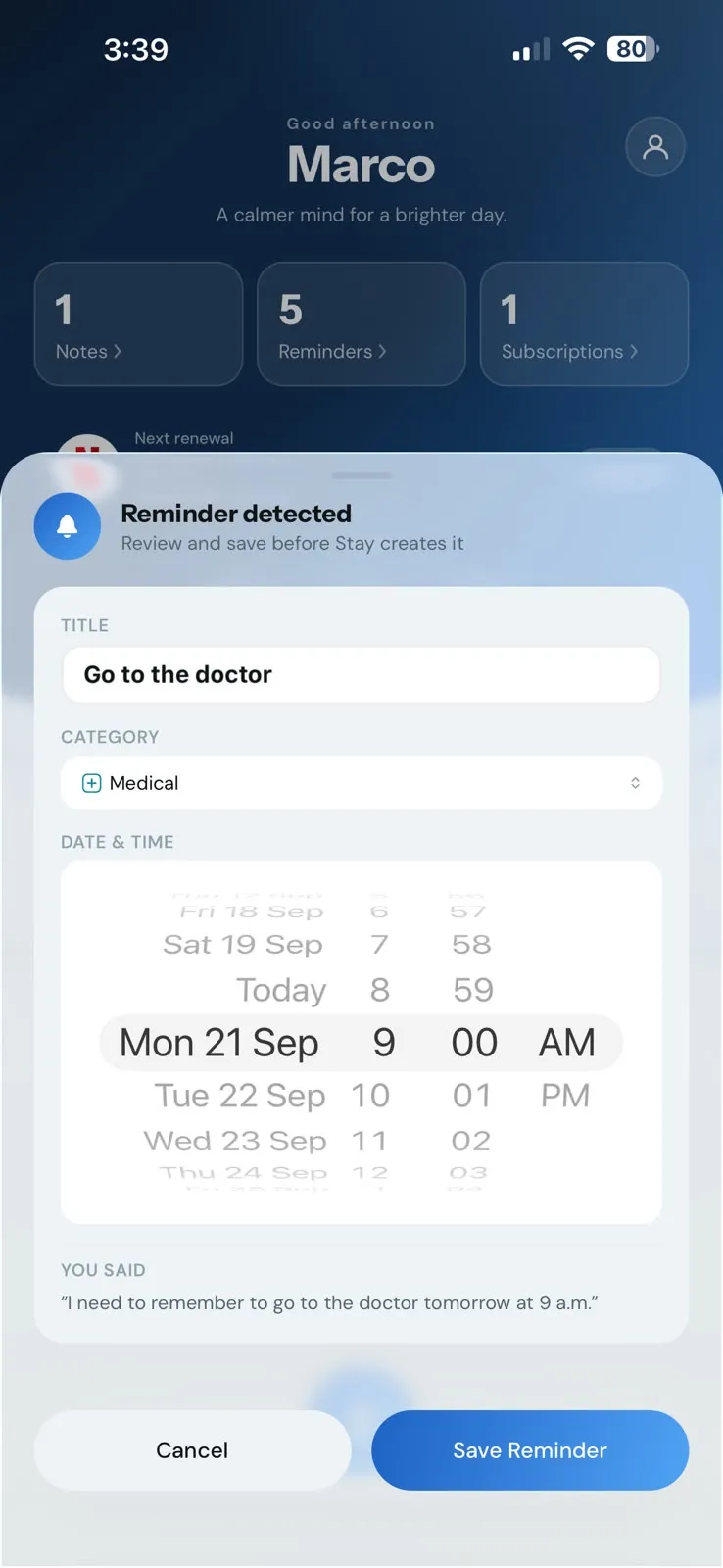
    “I need to remember to go to the doctor tomorrow at 9 a.m.”

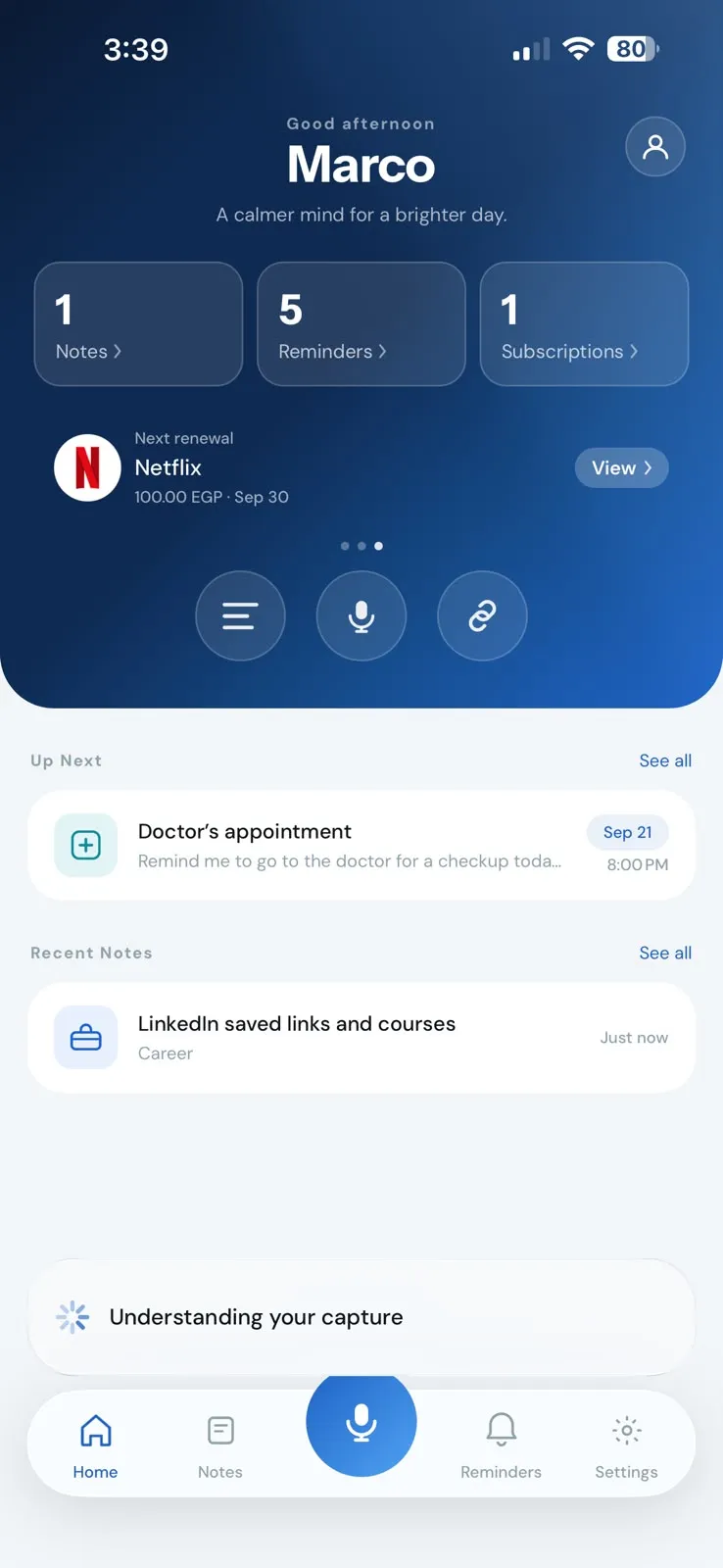
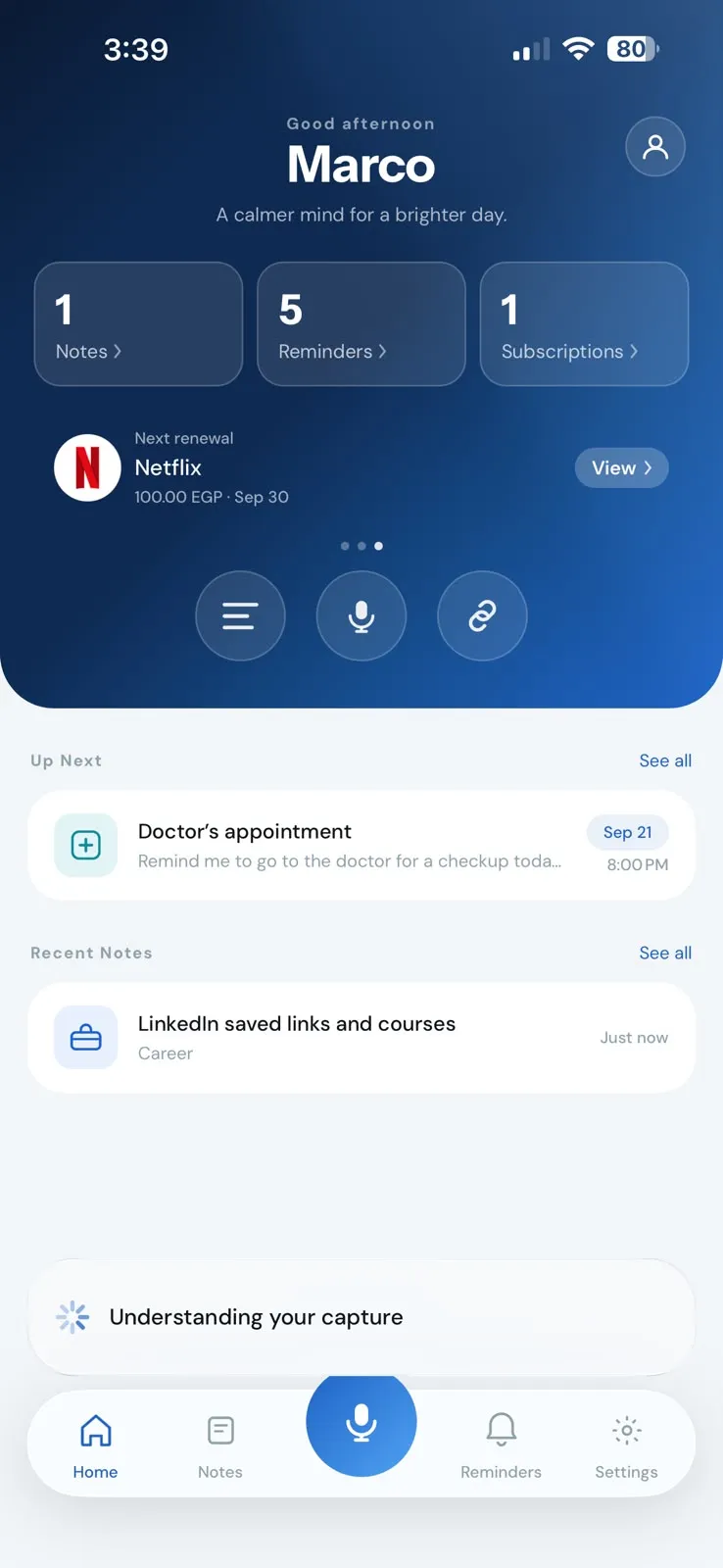
  3. Stay showing “Understanding your capture” at the bottom of the Home screen.

    Understanding

    Stay understands
    the details.

    No prompts to write. No chat to manage.

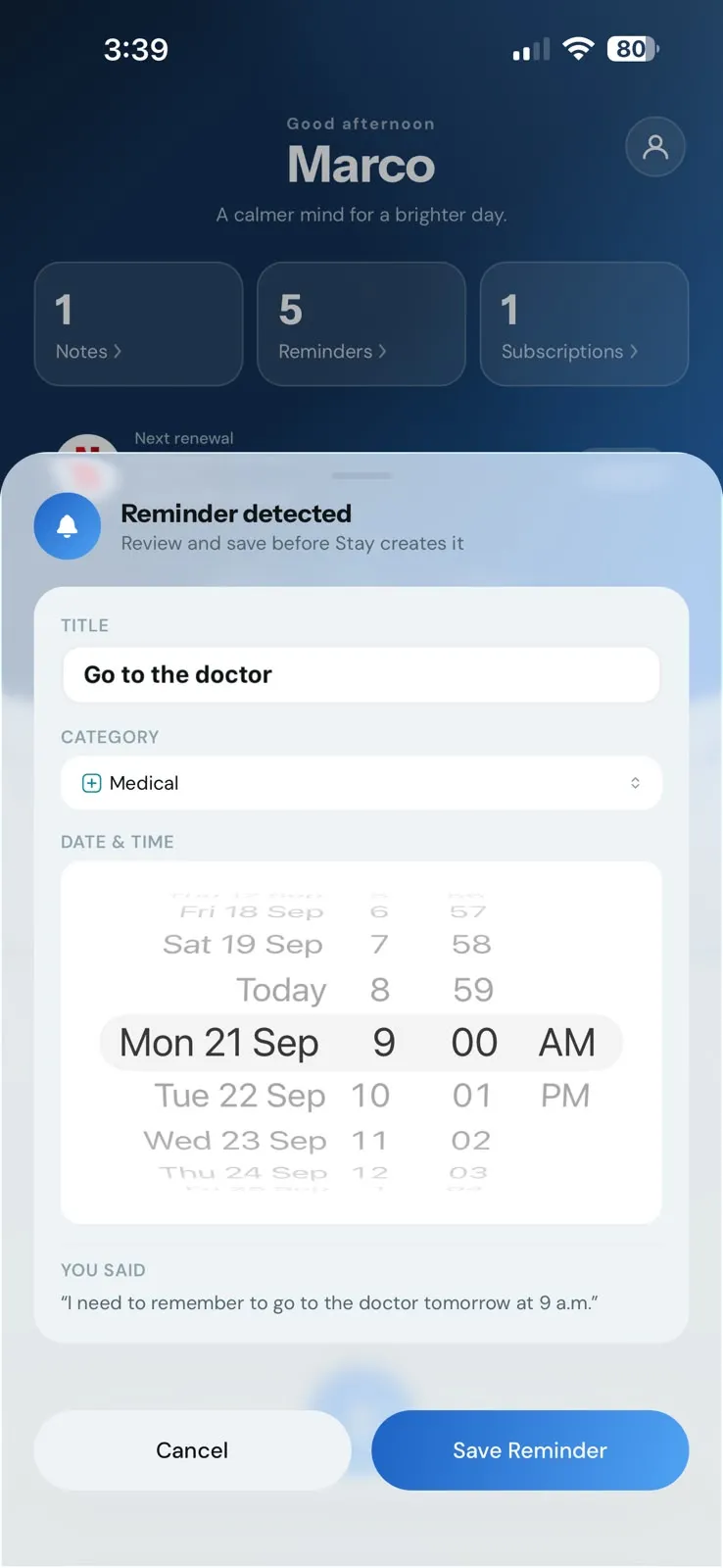
  4. Stay’s “Reminder detected” sheet showing the title “Go to the doctor”, category Medical, and a date and time to review, with Cancel and Save Reminder buttons.

    Detected

    Review before
    you save.

    Stay shows what it found — a title, a category, a time. Nothing is created until you confirm.

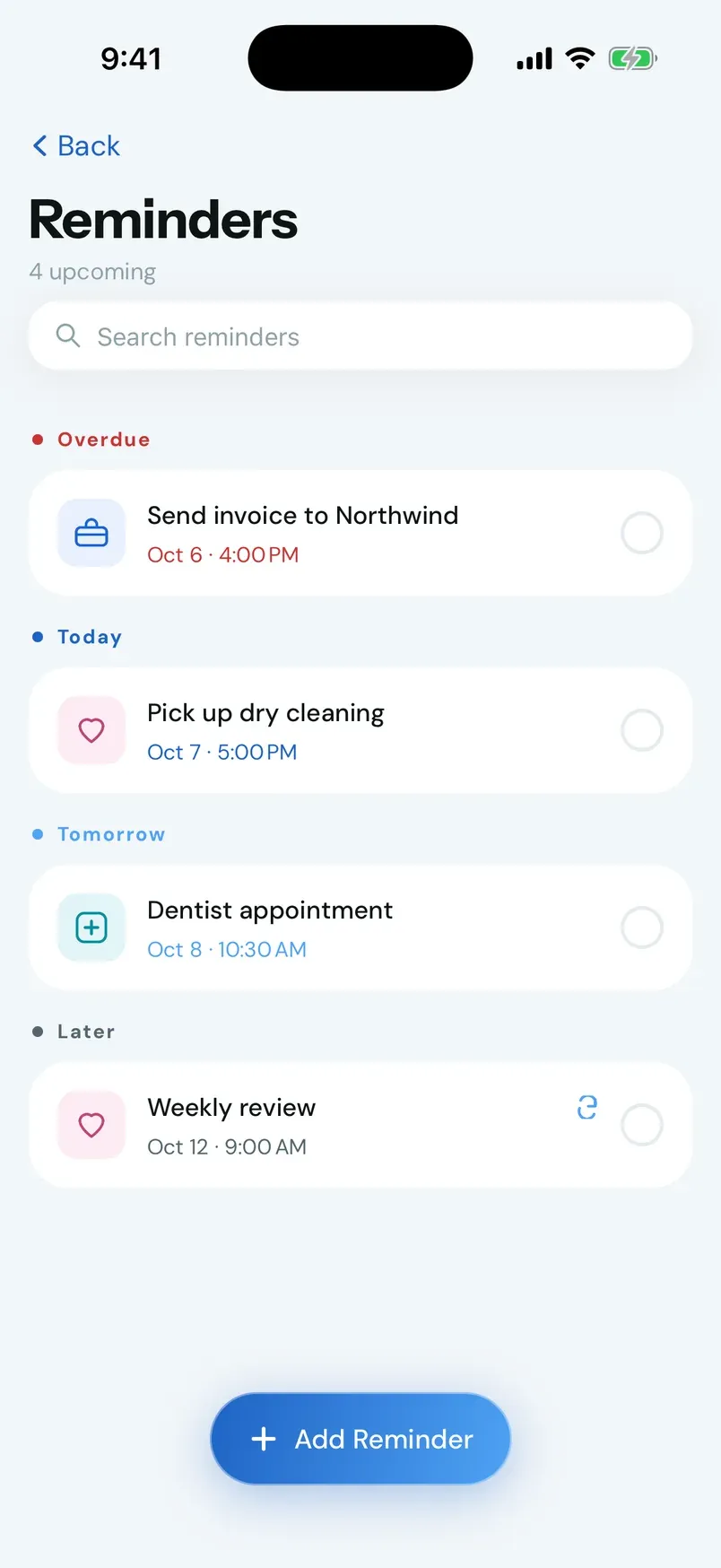
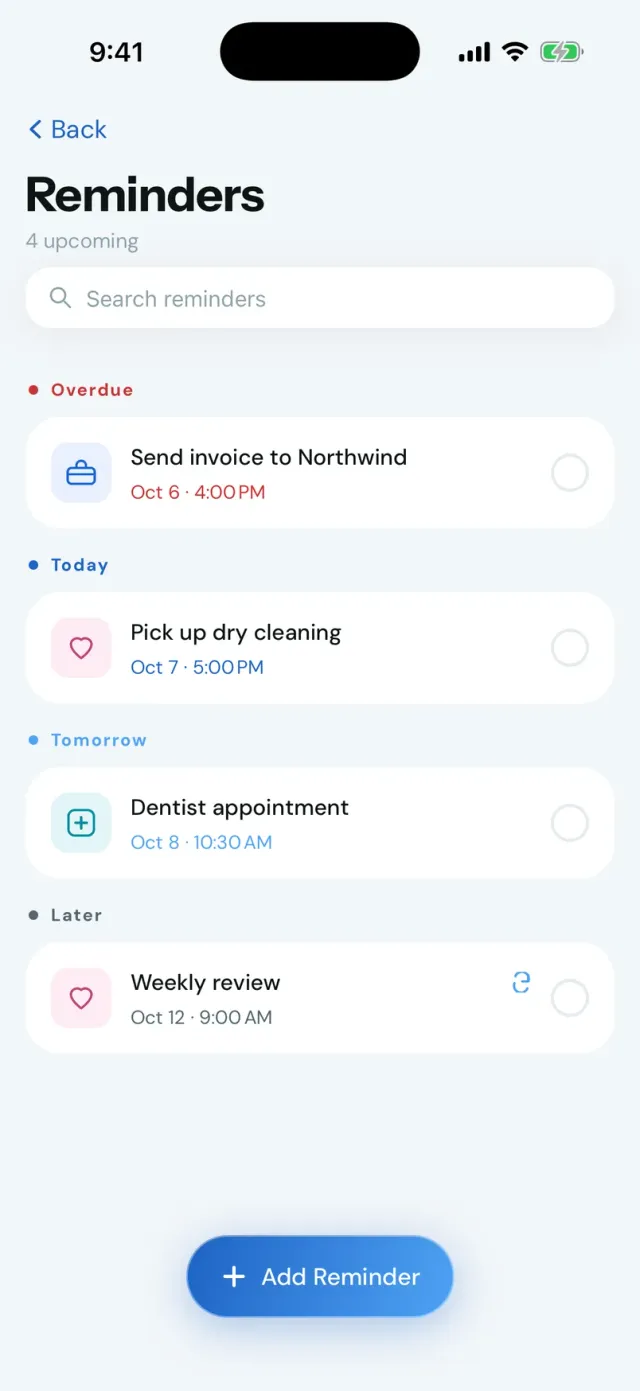
  5. The Stay Reminders screen with reminders grouped as Overdue, Today, Tomorrow, and Later.

    Organized

    Organized
    in Stay.

    Notes, reminders, subscriptions, and installments, kept together in one place.

One place

Everything that matters,
kept together.

Notes, reminders, subscriptions, and installments live in one calm app, so what’s coming next is never buried.

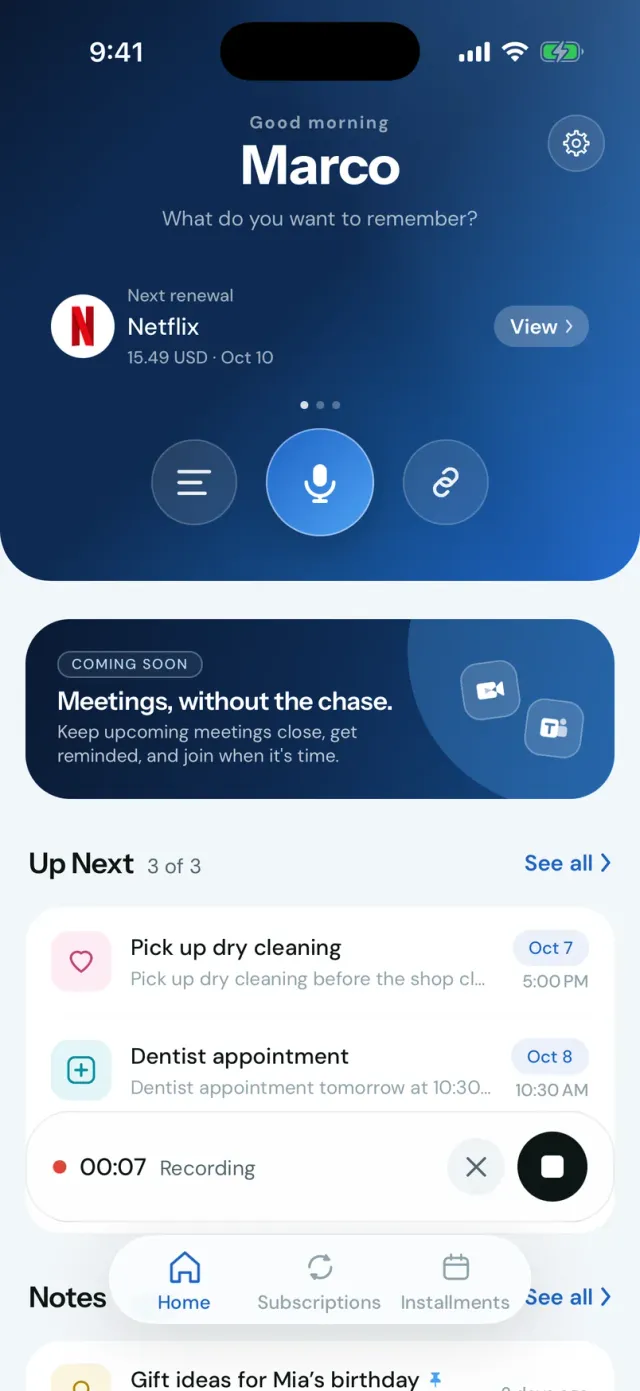
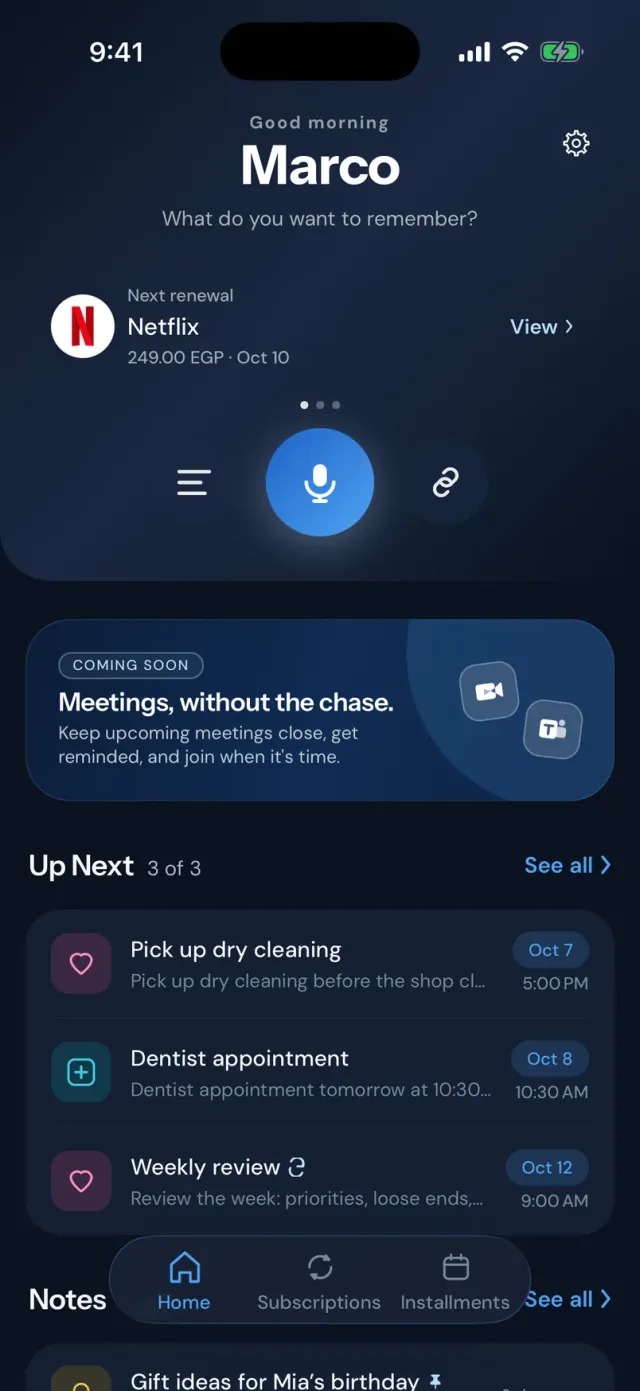
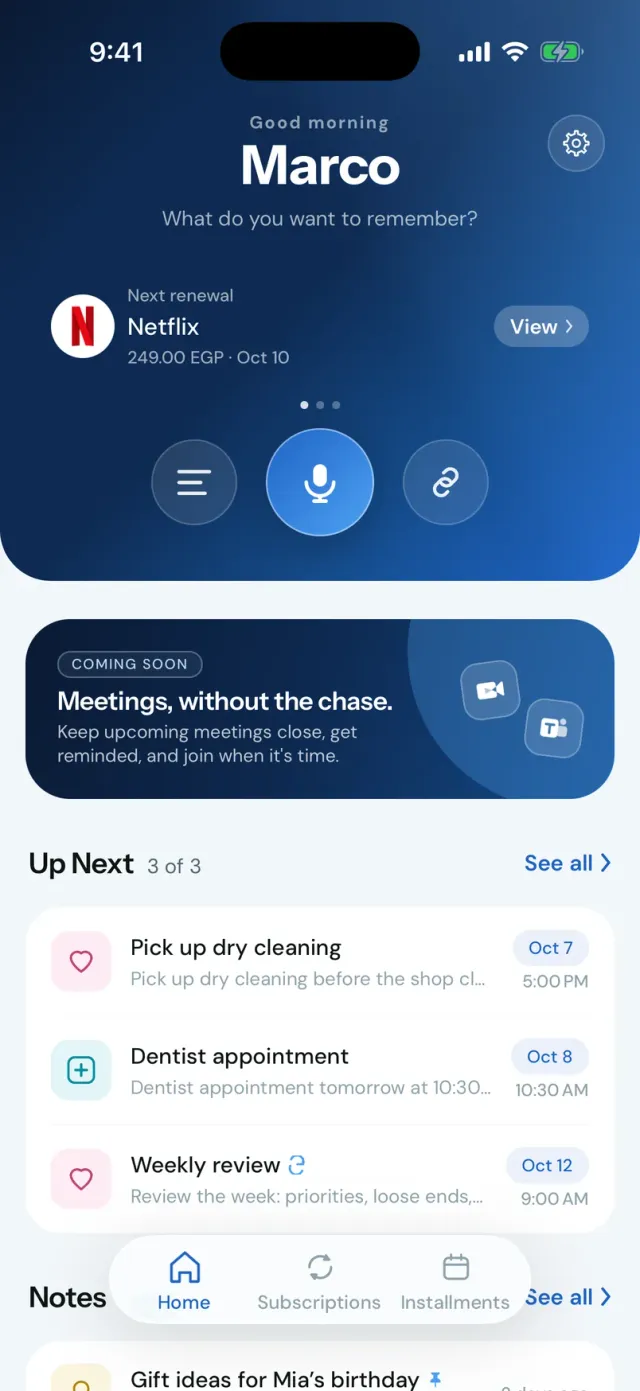
Home brings what’s next into view: upcoming reminders, your next renewal, and a way to capture.

Notes

Everything worth
keeping.

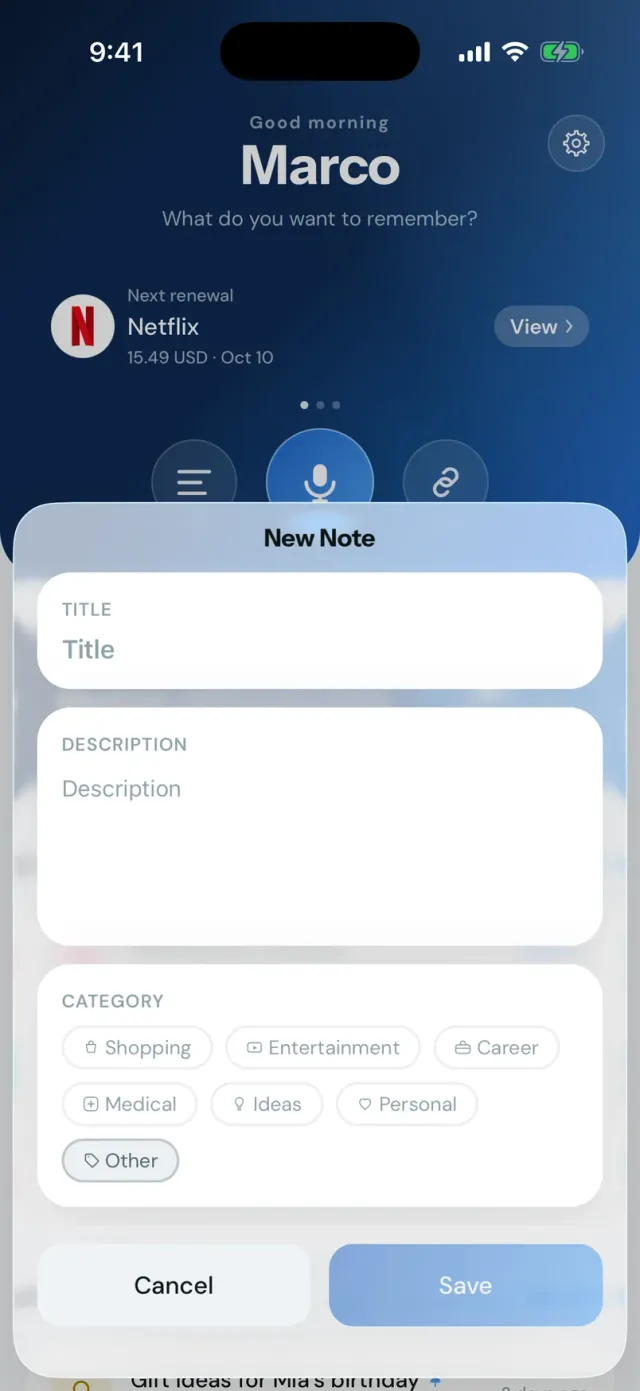
Capture it once and it stays easy to find. Notes carry a category, and the ones that matter most can be pinned to the top.

  • Categories · Shopping, Entertainment, Career, Medical, Ideas, Personal
  • Pinned notes · Stay at the top of the list
  • Search · Find a note by its title or text
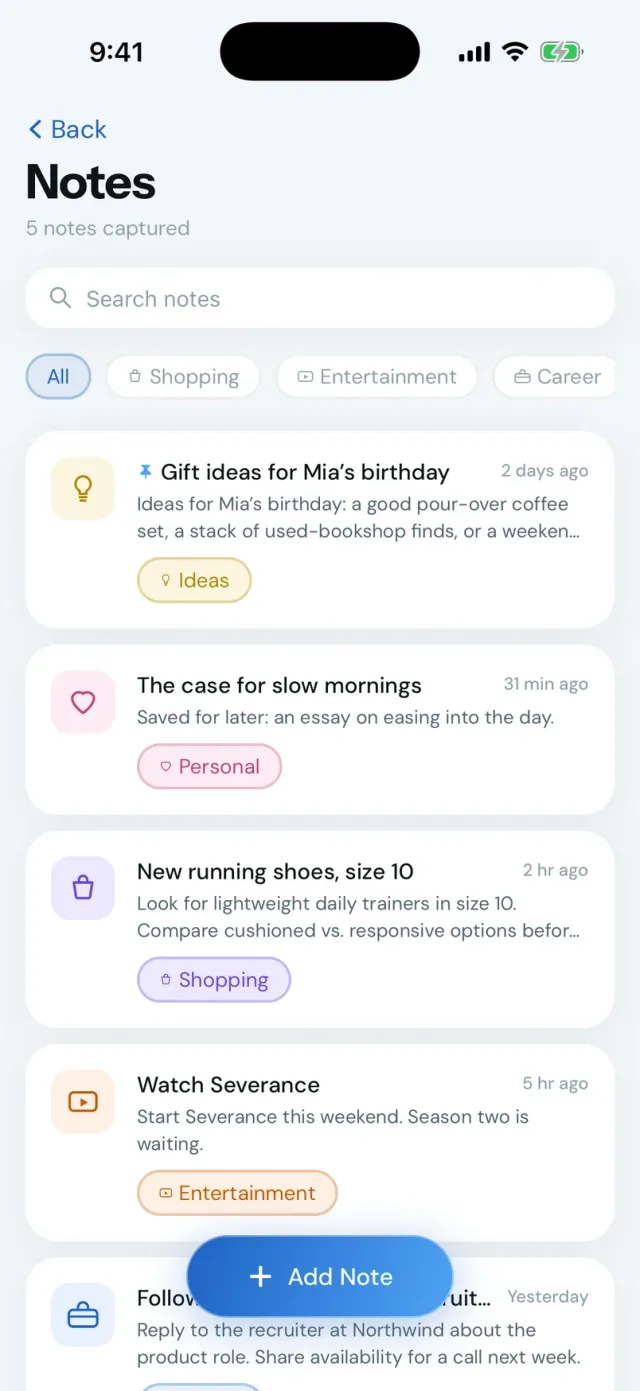
The Stay Notes screen with search, category filters, a pinned note, and note cards.

Reminders

The right thing,
at the right time.

Upcoming reminders are kept clearly apart, so you can see what’s overdue, what’s today, and what can wait.

  • Overdue, Today, Tomorrow, Later · Clearly grouped
  • Repeating reminders · Daily, weekly, monthly, or yearly
  • Mark done · And reopen it if plans change
The Stay Reminders screen grouped as Overdue, Today, Tomorrow, and Later, including a repeating weekly reminder.

Your money

Know what’s coming.
And what’s left.

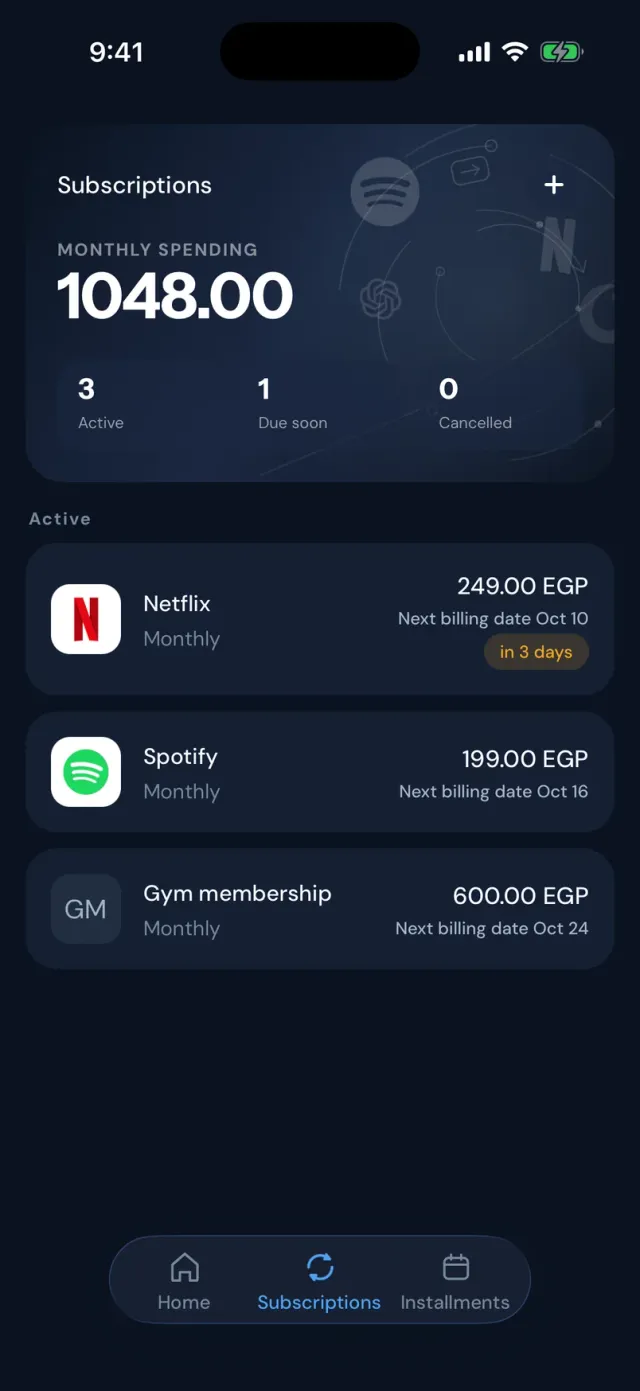
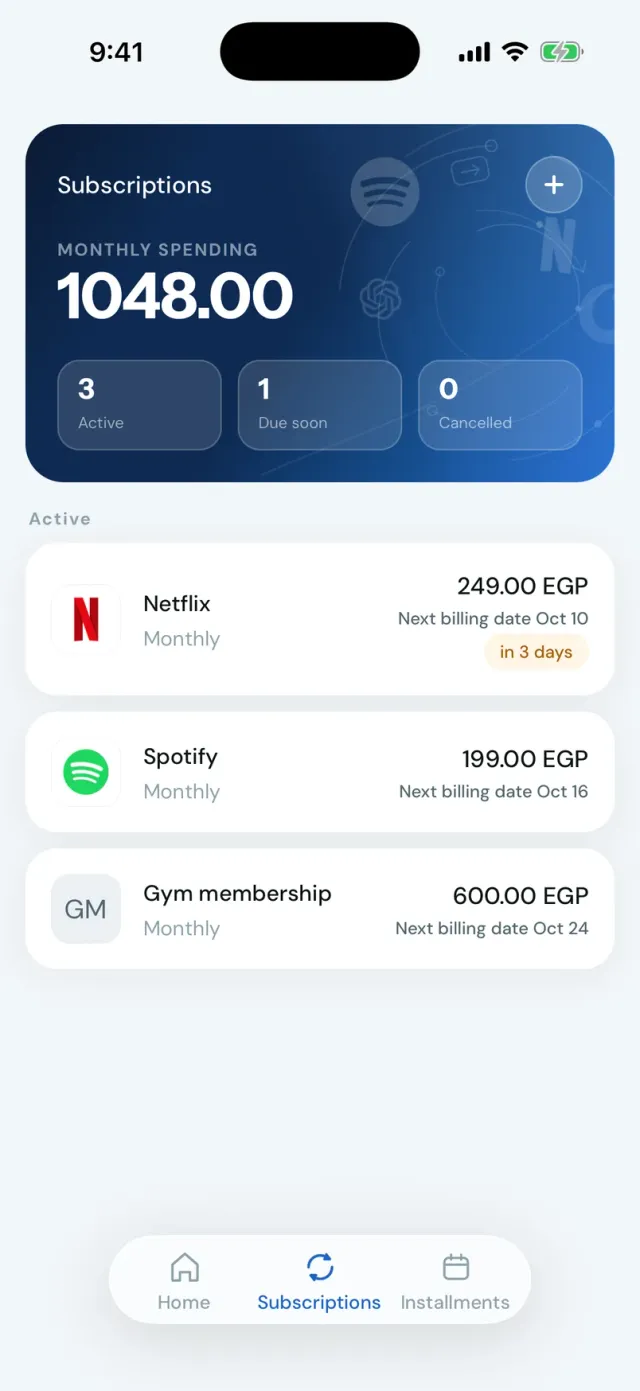
Subscriptions and installment plans, tracked from what you add. Stay never connects to your bank or cards.

Subscriptions

See what you spend each month and when each renewal is due, with a reminder before it lands.

  • Monthly spending · One total, in one place
  • Next billing dates · Soonest first
  • Mark paid, or cancel · Payment history is kept
The Stay Subscriptions screen in dark mode: monthly spending of 1048 EGP, with Netflix, Spotify, and a gym membership.

Installments

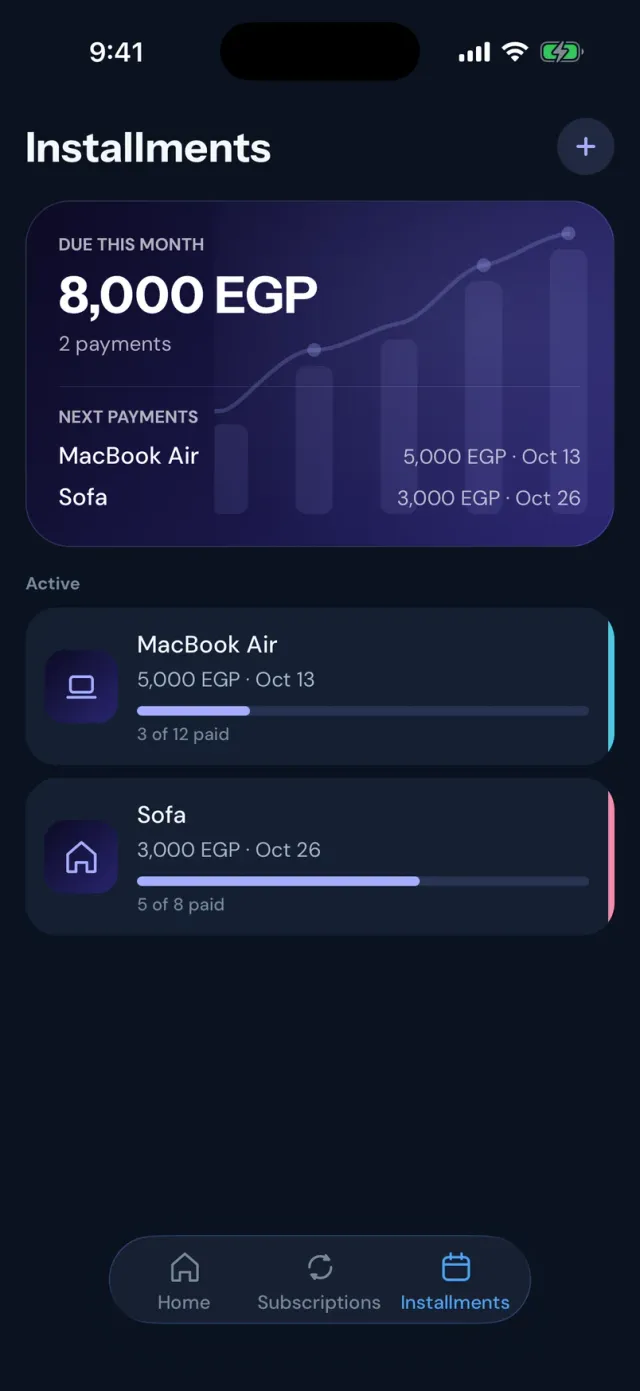
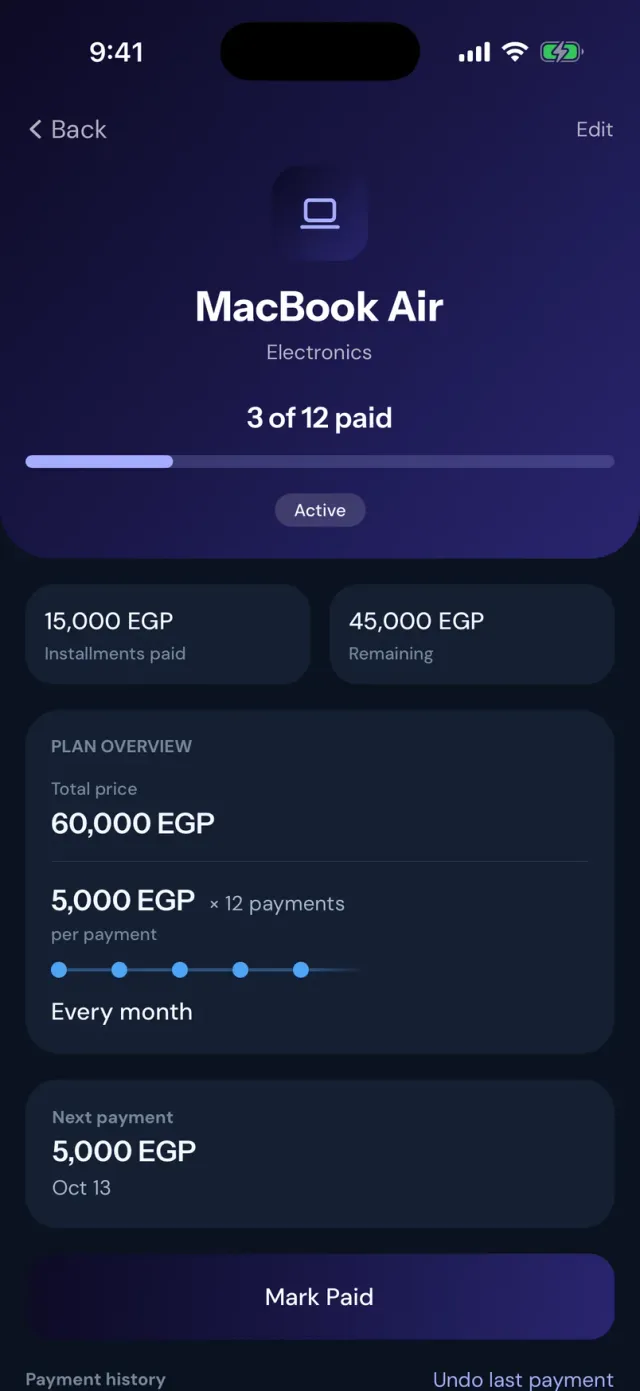
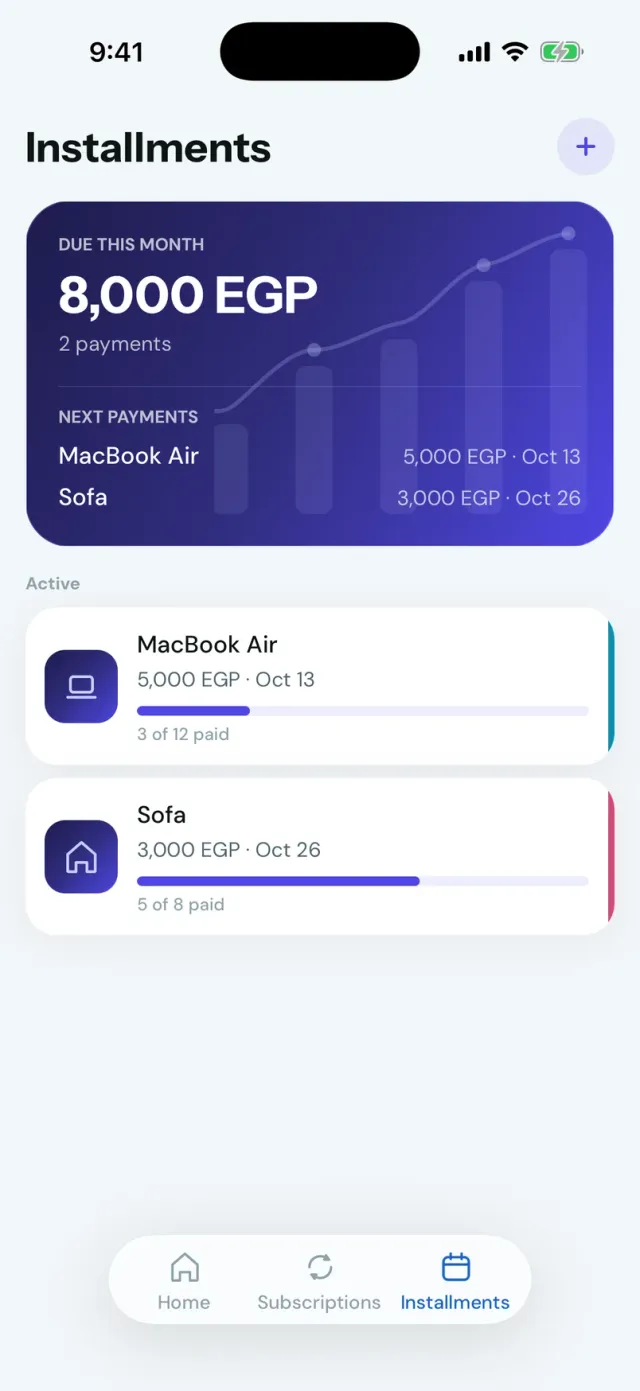
Track a payment plan from the first payment to the last: what’s paid, what’s left, and what’s due next.

  • Progress · Paid so far, at a glance
  • Next payments · With their due dates
  • Payment history · Mark paid, or undo the last one
The Stay Installments screen in dark mode with a MacBook Air plan at 3 of 12 paid and a Sofa plan at 5 of 8 paid.
The Stay installment detail for a MacBook Air: 3 of 12 paid, 15,000 EGP paid, 45,000 EGP remaining, with the next payment and a Mark Paid button.

Capture your way

However it comes
to mind.

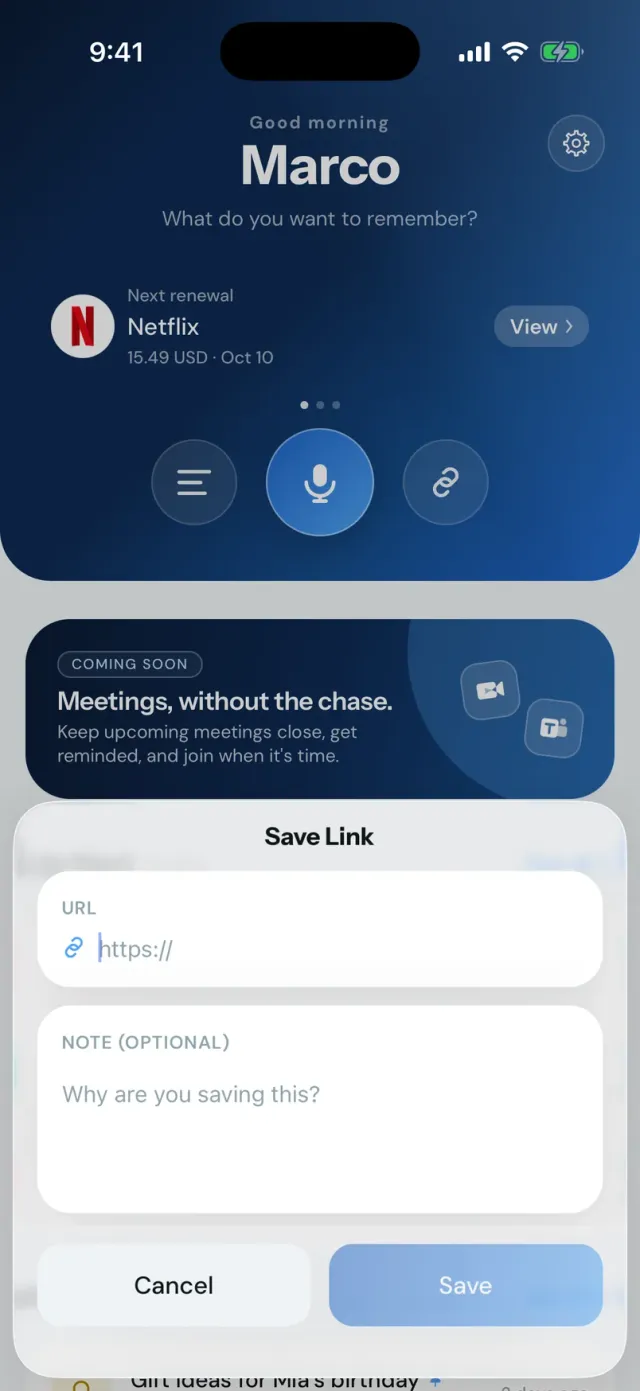
Voice is where Stay does its quiet work. Typing a note or saving a link stays simple and manual, and you can also share links and text into Stay from other apps.

Light or dark

Designed for both.

Choose Light or Dark in Settings. Stay is built to feel at home in either.

Stay Home in Light mode.
Stay Home in Dark mode.

Coming soon

Meetings,
without the chase.

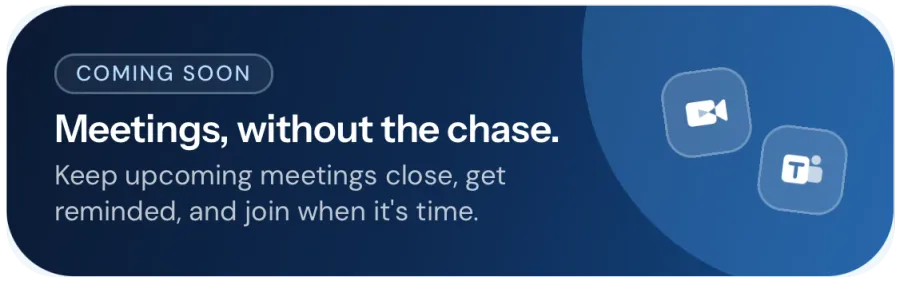
We’re working on calendar and meeting reminders, with Google Calendar, Google Meet, and Microsoft Teams in mind. None of this is available yet.

A card from Stay Home labelled Coming soon: “Meetings, without the chase. Keep upcoming meetings close, get reminded, and join when it’s time.”

Privacy

Your thoughts
are yours.

Stay is built to handle your captures with privacy in mind, while keeping access to your content tied to your account.

Read the Privacy Policy
  1. Ephemeral voice

    Your voice helps create the note — not an audio archive.

  2. Credentials off-device

    AI credentials stay off your device.

  3. Account-based access

    Your content stays connected to your account.

Waitlist

Stay is coming
to the App Store.

Join the waitlist and we’ll let you know when Stay is available to download on the App Store.

App Store launch updates only.